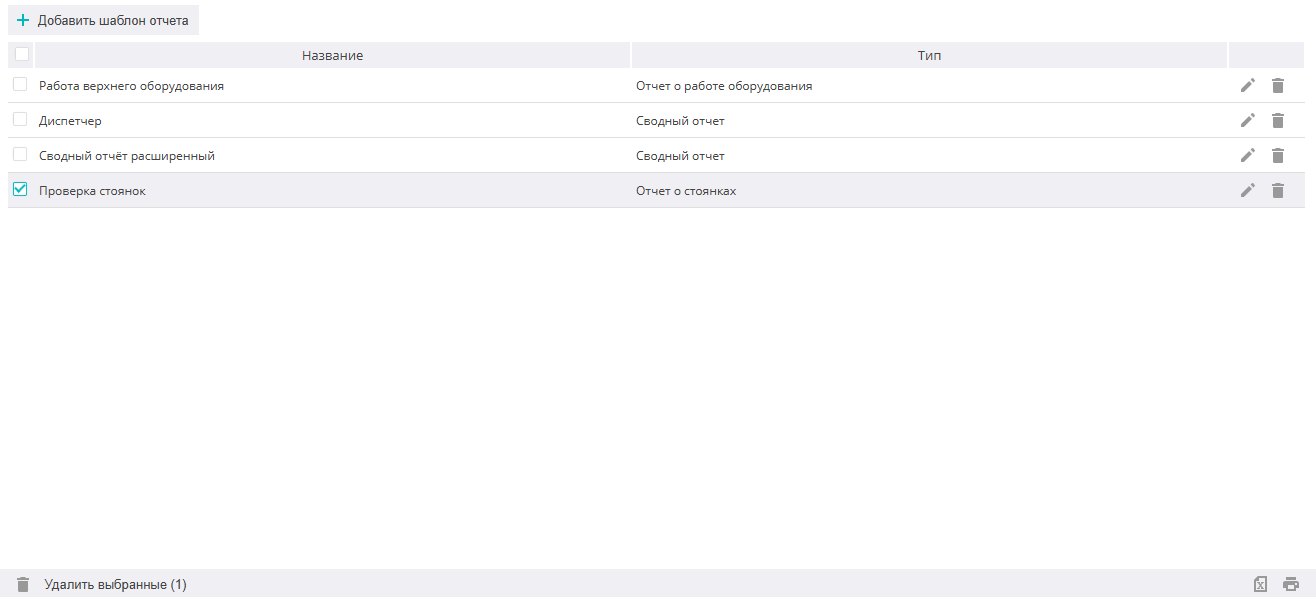
Report templates
On the Report templates tab, the user can configure individual reports to solve their tasks. The created template will appear in the report templates list for selection and execution (see the Reports section).
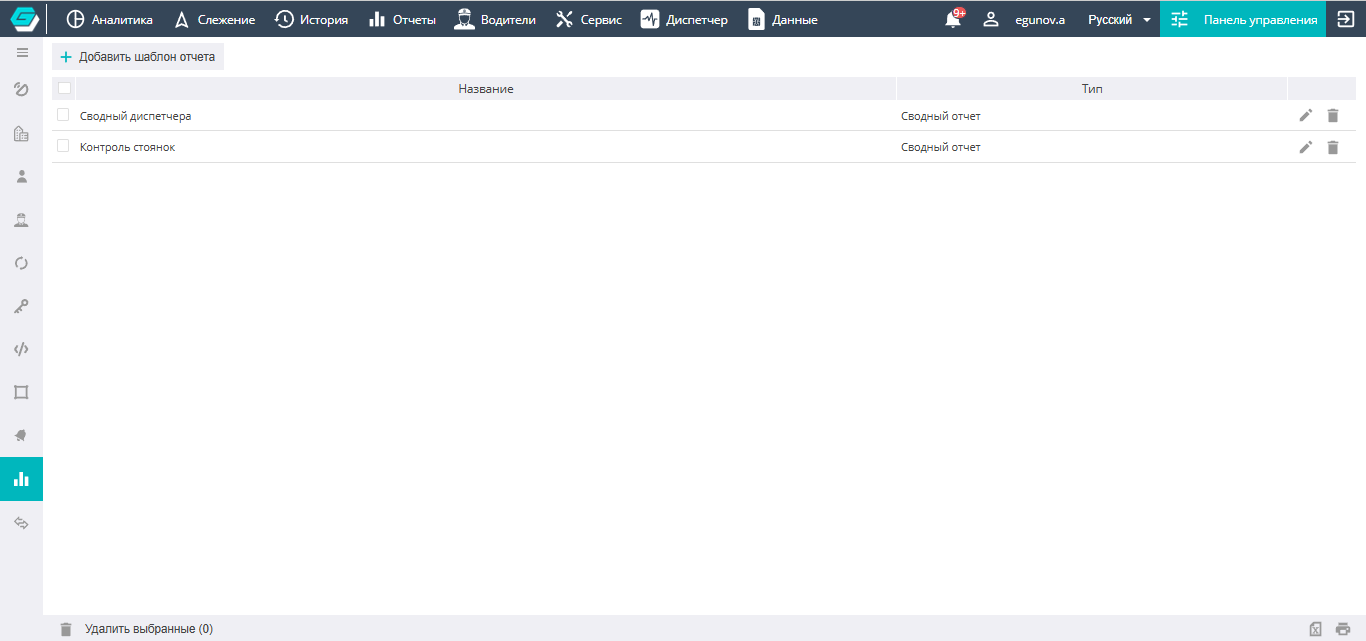

To create a new report template, you need to click, select the report type, and use checkboxes to select the necessary columns in the report being created. The order of the columns in the report is determined by the position of the field in the sequence and is changed by moving the field with the up/down arrows.
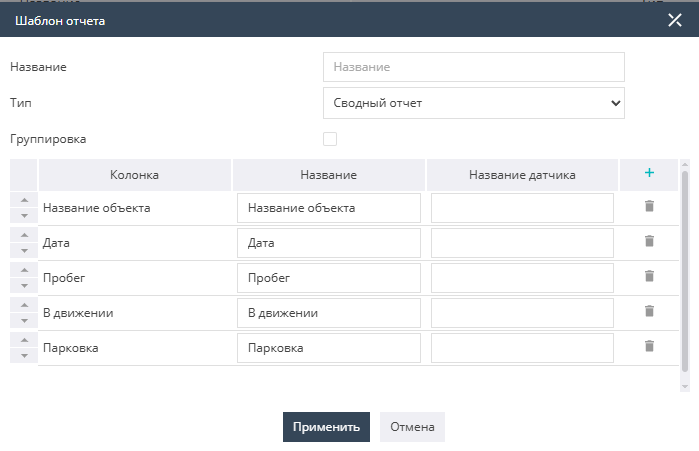
When configuring a report template, it is possible to assign the necessary names to the columns and output the necessary parameters to the report by specifying the name of the corresponding sensor.
The Grouping in the report checkbox allows you to form the report not as a single list of objects, but to group the list by objects.
Editing already created report templates is done from the templates list by clicking the icon located to the right of the template. 
Deleting templates is done by selecting the checkbox and clicking the trash bin opposite the template to be deleted, or at the bottom of the screen below the general list (Delete selected).