Driver sessions
The Driver sessions tab shows the driver trips calculated by the system: who drove which object and when, how far they drove and which violations they committed. One row is one driver session on an object.
The table includes the sessions of drivers ticked on the Drivers tab of the work panel, on objects ticked on the Objects tab. If no drivers are ticked or they had no trips during the period, the table shows "No data".
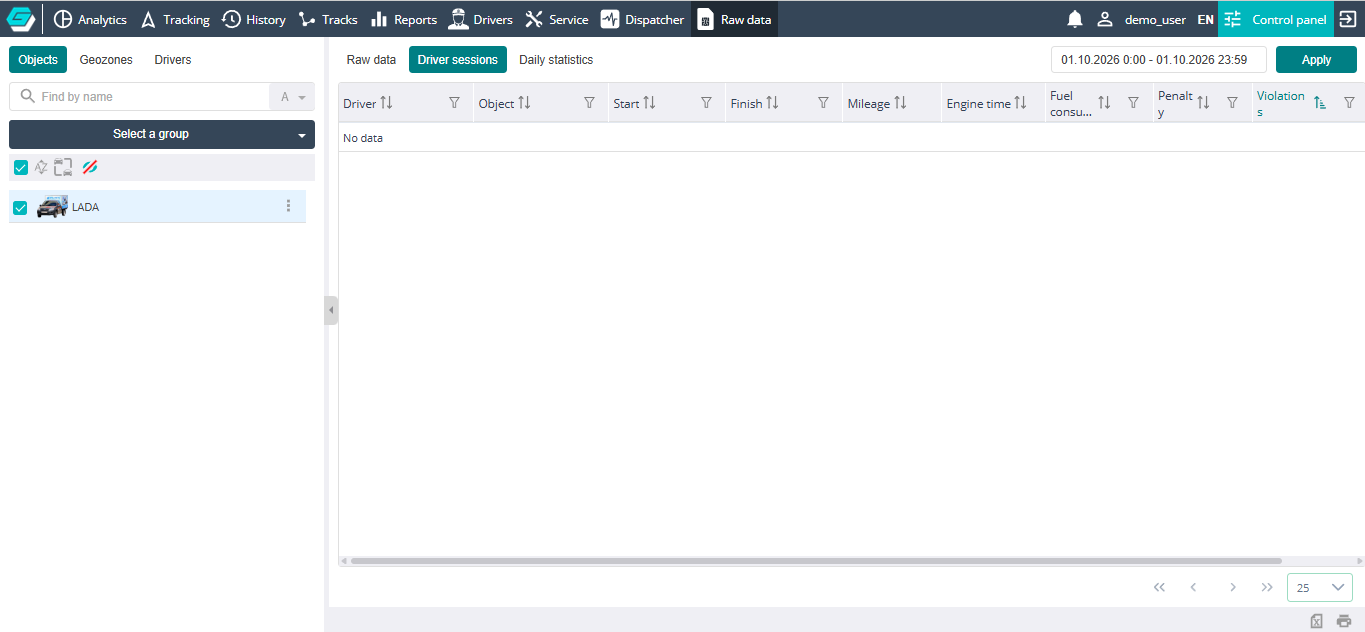
Table
- Driver — the driver's name;
- Object — the object the driver worked on;
- Start — the session start date and time;
- Finish — the session end date and time;
- Mileage — the distance covered during the session;
- Engine time — the engine running time during the session;
- Fuel consumption — the fuel used during the session;
- Penalty — the driver's penalty points for violations in this session;
- Violations — the list of violations committed during the session.
All columns except Mileage and Engine time have a filter. Sorting, filters, column selection and the footer are described in Working with the table. Rows cannot be deleted on this tab.